TypeSlate
Free · Windows · Microsoft Store
What is TypeSlate?
TypeSlate started as a personal solution. I sat down to write during my lunch break, opened Chrome, and half an hour disappeared into emails and rabbit holes. I never even found the Google Doc I meant to write in.
I wanted to brick my computer and turn it into a true blank page. That's TypeSlate. It opens fullscreen, gets out of the way, and keeps you writing until you hit your goal. No internet required. No cloud. No spell check prodding you to edit before you're done.
Features
- Fullscreen writing environment — no taskbar, no notifications, no escape
- Set a word count or timer goal and write until you hit it
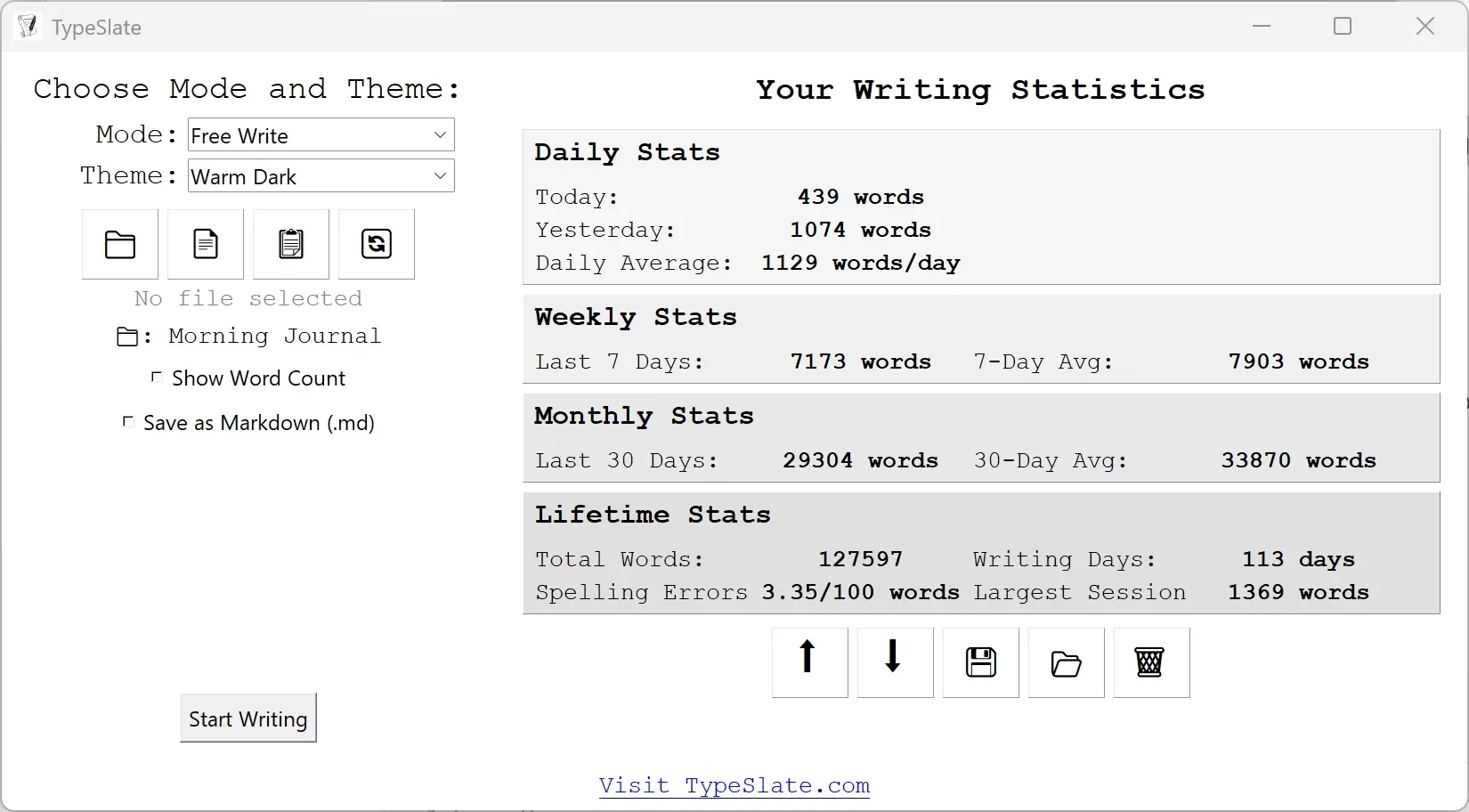
- Built-in writing analytics — track your stats session by session over time
- Autosaves every second — your words are never lost
- Auto-copies to clipboard when you finish — paste straight into any editor
- Export as Markdown (.md) for seamless Obsidian integration
- Multiple color themes — light, dark, sepia, and more
- Start from a blank page, a template, clipboard content, or a previous session
- Share your writing stats with a community of focused writers
- Completely free — no subscription, no trial, no catch
Who is it for?
TypeSlate is built for writers who know the enemy isn't the blank page — it's everything surrounding it. If you write fiction, journal, draft essays, or knock out morning pages and find yourself losing time to the internet every session, TypeSlate is the tool you've been looking for.
It's not a word processor. It doesn't format. It doesn't suggest. It captures. Write your draft here, then paste it wherever you need it.
Free on the Microsoft Store. Windows only.