Tools for Focused Writing
TypeSlate, MicroSlate and more. Fullscreen apps and e-paper writer's decks that keep you on the page.
New: MicroSlate 3.0 · Free firmware
Turn e-paper into
a writer's deck.
MicroSlate turns the Seeed reTerminal Sticky and E1001 into dedicated writer's decks. Pair a Bluetooth keyboard and start typing. Your notes save to a microSD card, ready to send to your phone or sync to the cloud.
Installs from your browser in about two minutes.
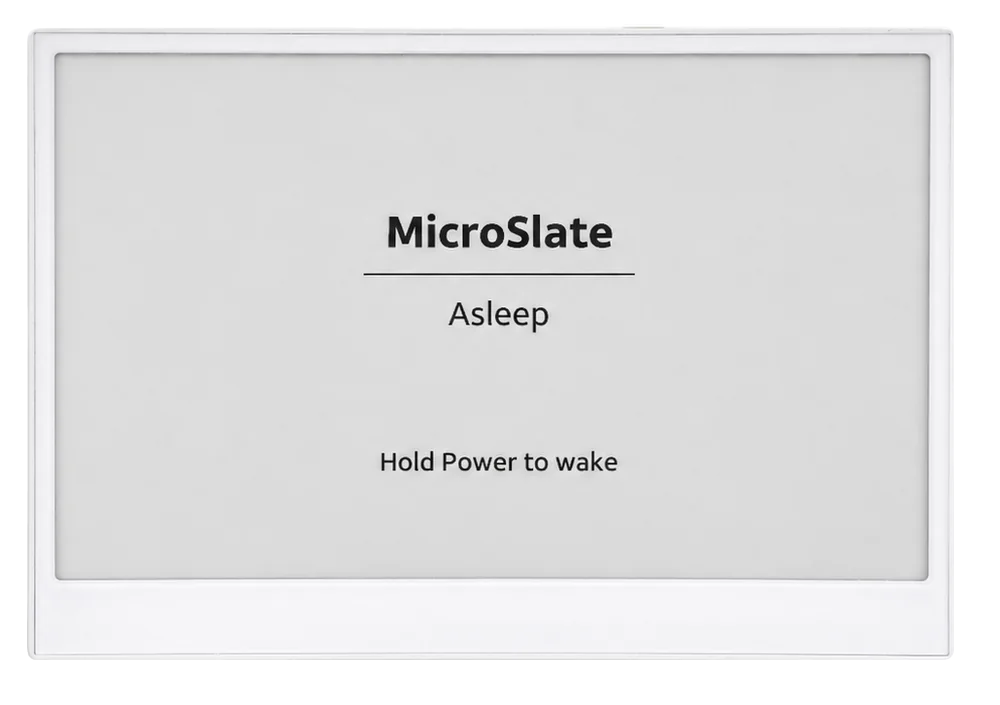

A screen that only writes
A writer's deck is a device made for one job. Turn it on, and your draft is waiting.
Paper-like e-ink
Reads like printed paper, stays sharp in bright sunlight and is easy on your eyes through long sessions.
Your keyboard, your language
Pair any Bluetooth LE keyboard and pick from 32 layouts, including German, Russian and US International.
Words you can take anywhere
Notes are plain files. Send them to your phone over Wi-Fi, or sync them to OneDrive, Google Drive or Dropbox.
Pick your writer's deck
Same MicroSlate on each, so pick the size that suits how you write.
Most portable
reTerminal Sticky
3.97" touch e-paper that fits in a pocket next to a folding keyboard.
Biggest screen
reTerminal E1001
A 7.5" desk screen that shows whole paragraphs at once.
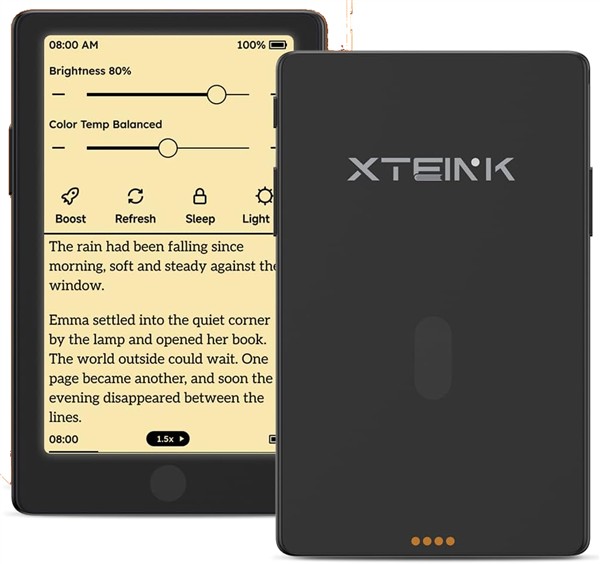
Experimental
Xteink X4 Pro
A tiny pocket deck with a frontlight for writing in the dark.
Have an original Xteink X4? MicroSlate 2.1 runs on it.
From the blog
All posts →
Updated November 15, 2026
My Pocket-Sized Writer's Deck Setup (No 3D Printer Required)
How I turned an e-reader into a pocket writer's deck with MicroSlate, a folding Bluetooth keyboard and a magnetic stand. No 3D printer needed.

Updated November 15, 2026
The Morning Pages App I Built for Myself
I write my morning pages between 5 and 7 AM, before the kids wake up. Here's the app I built to make the habit stick, and how I use it.

Updated November 15, 2026
A Writing Tool That Doesn't Want to Write for You
AI is in every writing tool now. Here's why I built TypeSlate without it, and why the writing itself should stay human.
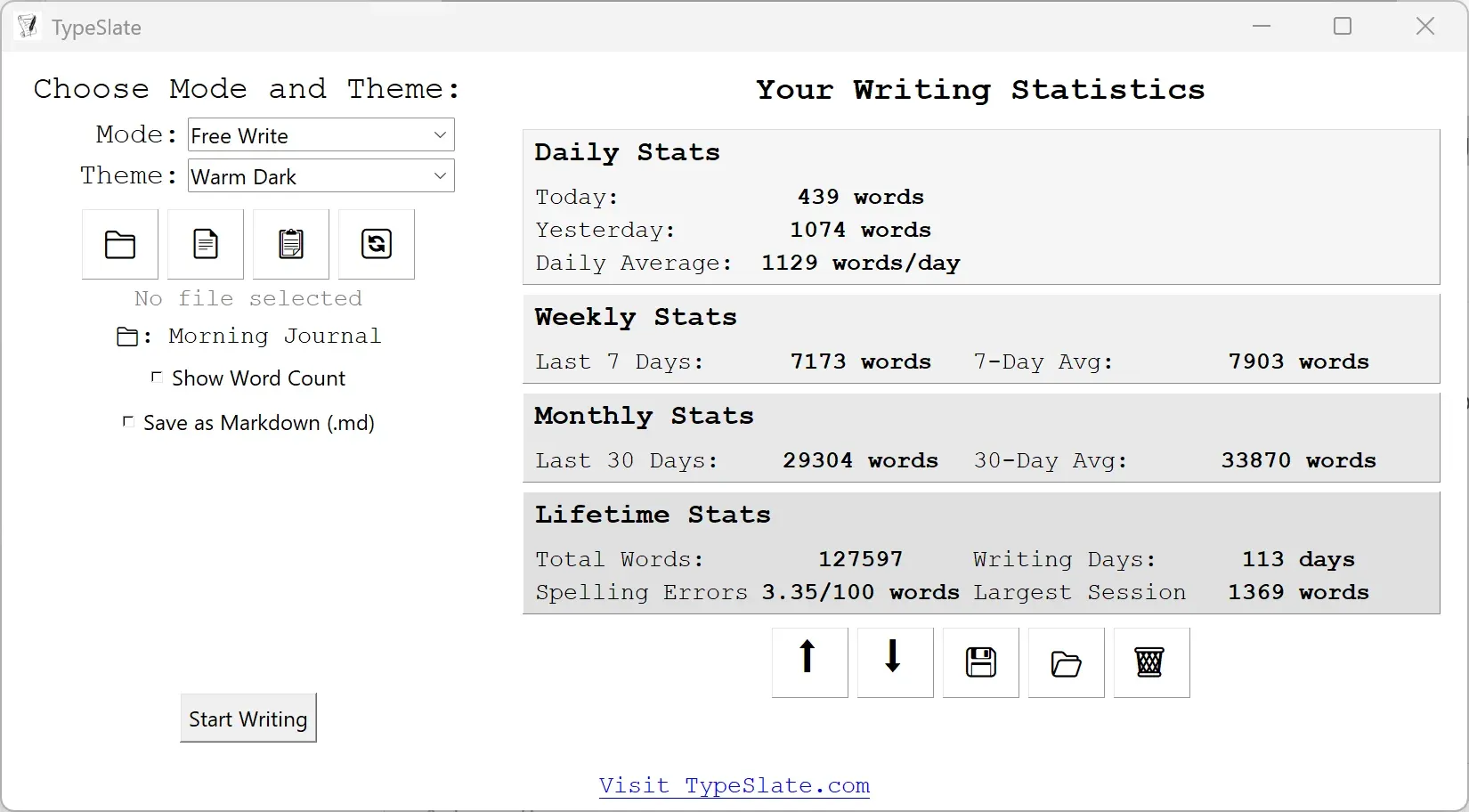
Free for Windows
Writing on your PC? Try TypeSlate.
TypeSlate opens fullscreen, gets out of the way and keeps you writing until you hit your word count or timer goal. It works offline, saves every second and tracks your writing stats.
More writing tools
In your browser
TypeSlate Editor
Paste your draft to highlight weak phrasing, passive voice and vague language.
Windows app
CopySlate
Load any EPUB and type along with great authors to learn their style.
Command line
TypeSlate Terminal
Fullscreen writing in the terminal on Windows, macOS and Linux.
Windows app
LiteSlate
A free, open-source fullscreen writing app built in Python.

Hi, I'm Josh.
A writer, teacher and developer. I created TypeSlate and MicroSlate because I kept losing my limited window of writing time to Chrome tabs. That led to the greatest irony of them all: distraction-free writing tools are now my biggest distraction from writing.
More about me →Join the TypeSlate community
Get writing tips, updates and real stats from fellow focused writers, direct to your inbox.
Subscribe on Substack